
Feature
See your venue before you book it with spaces, elements and AI
Build a visual library of your venue spaces and décor, then guide the AI with descriptions, tone and scene details to generate realistic concepts you can edit and compare.
How the AI visualizer works
Upload your venue spaces
Add photos of the rooms, gardens or halls you are considering. These become reusable spaces you can select for any concept.
Build a décor element library
Upload photos of altars, seating, floral arrangements, lighting, table settings and more. Each element is tagged by category and can be reused across concepts.
Compose the scene
Select a space, then add the elements you want — archways, centerpieces, dancefloors — with notes on where each should go and how it should look.
Describe the space
Use the space description to tell the AI about layout, guest count, style and theme. Add scene details to set the exact mood, lighting and atmosphere.
Set the tone and details
Golden hour, candlelight, winter snow, overcast skies, string lights — scene details let you control the feel without needing design expertise.
Generate AI concepts
The AI combines your space photo with the chosen elements and your written direction to produce a rendered preview of how the room could look.
Iterate and compare
Keep the versions you like, refine them with additional prompts, and compare several directions for the same venue before committing to a florist or stylist.
Share your vision
Show partners, family and suppliers exactly what you mean instead of describing it in words. Download or save concepts to your workspace gallery.
On every plan
Free workspaces include 5 generations. Couple Premium (one-time upgrade) includes 25, and Planner Studio (monthly or yearly) is unlimited under fair use.
Real concepts our couples have generated
Each pair starts from a phone photo taken during a site visit and ends with an AI concept generated in My Wed Hub.
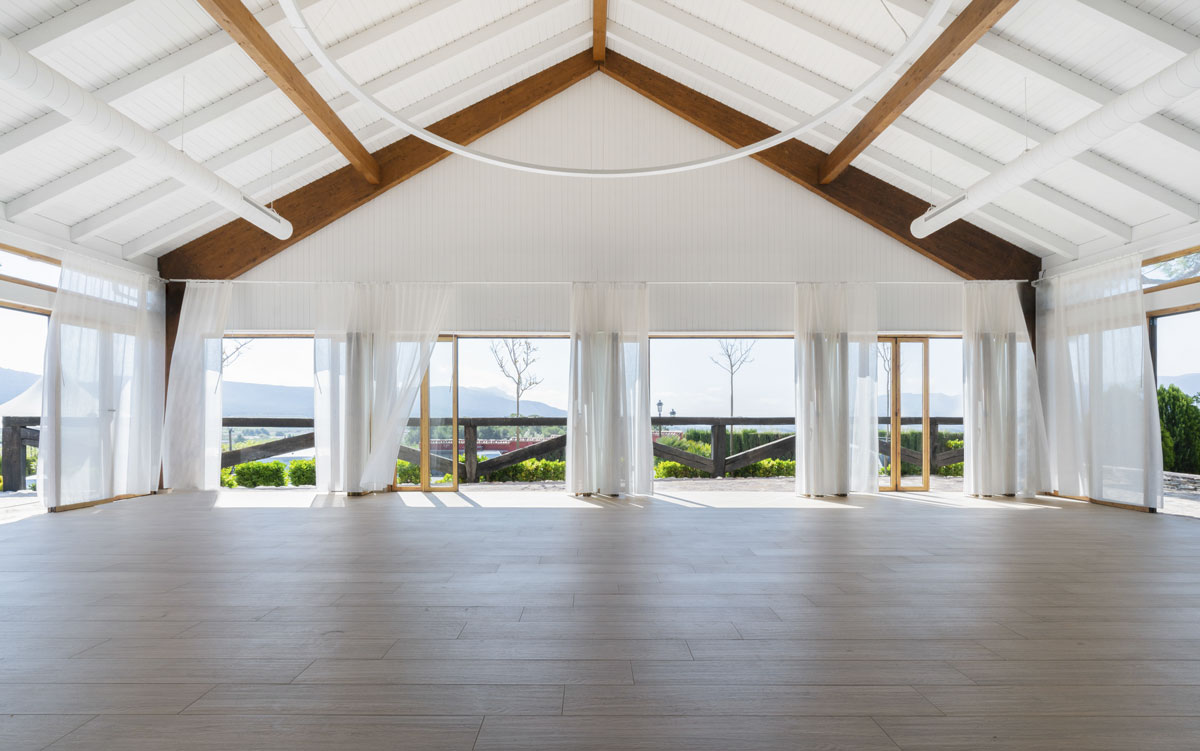 Before
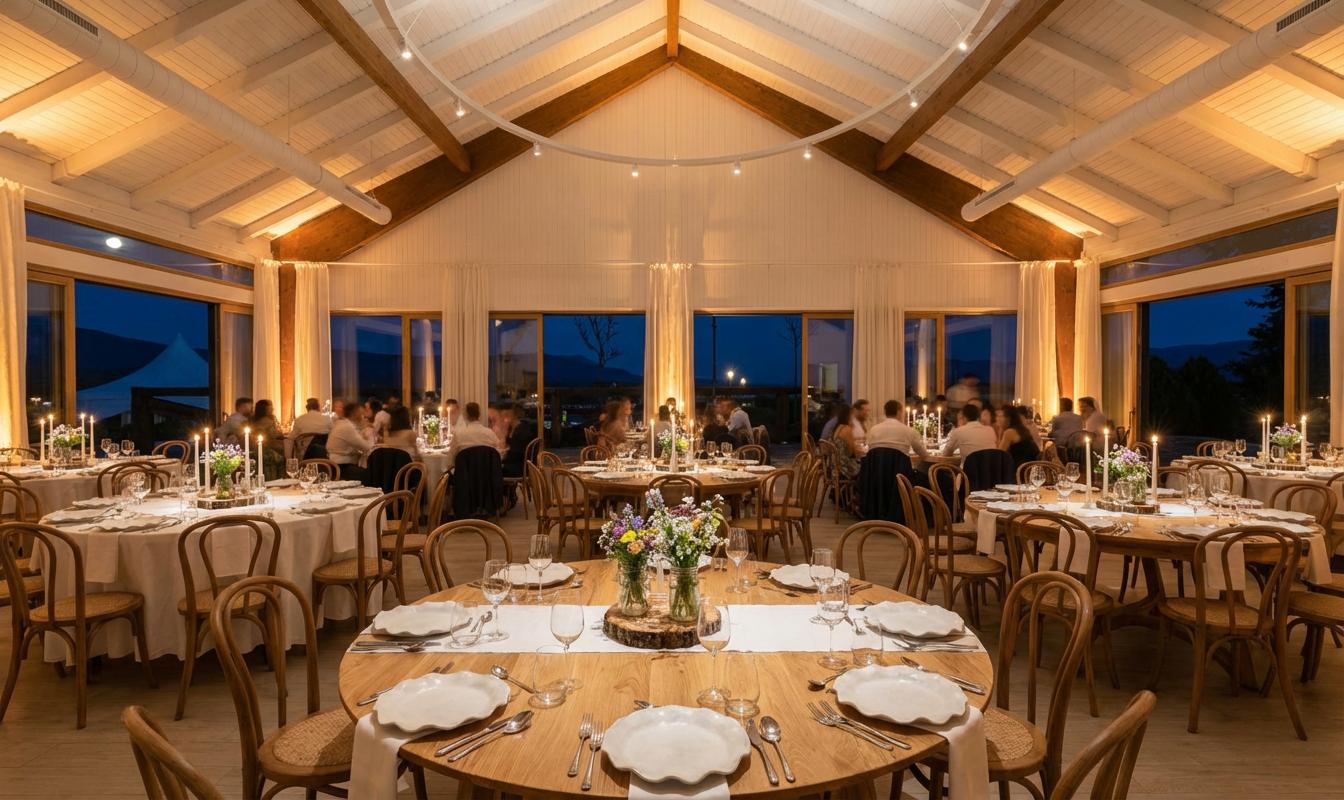 After
After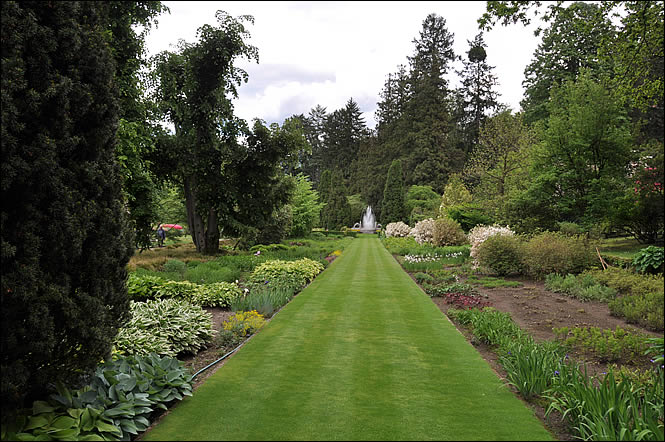 Before
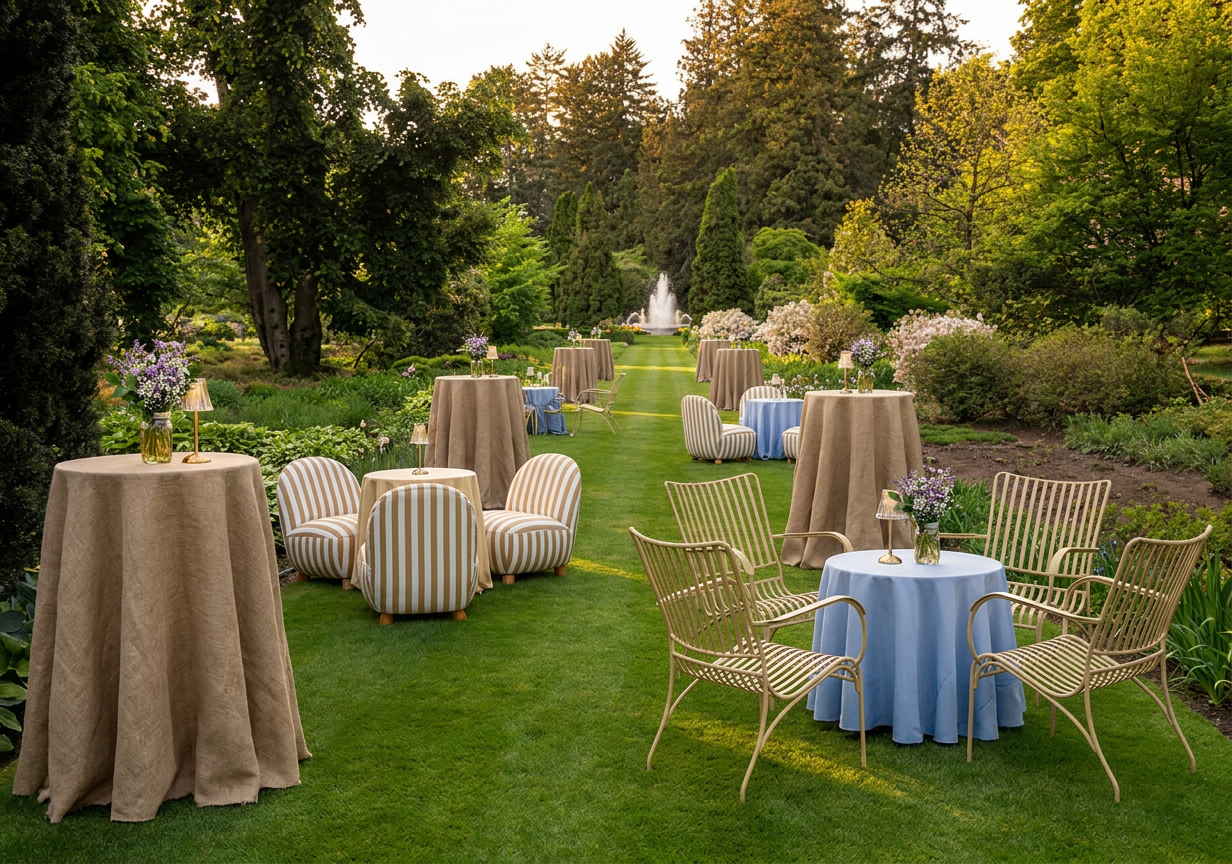 After
After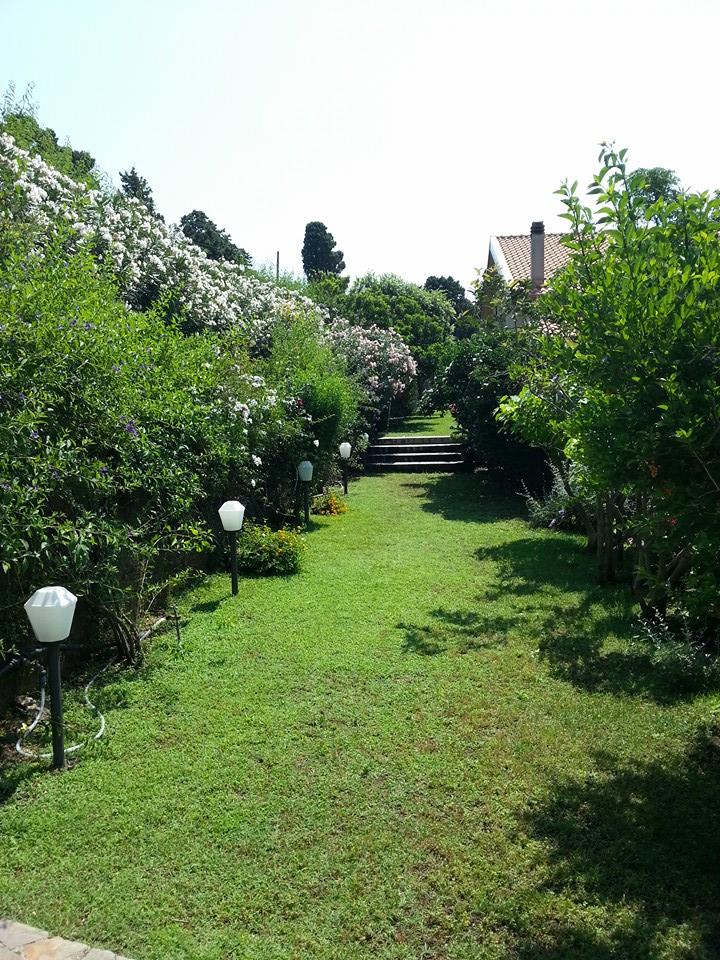 Before
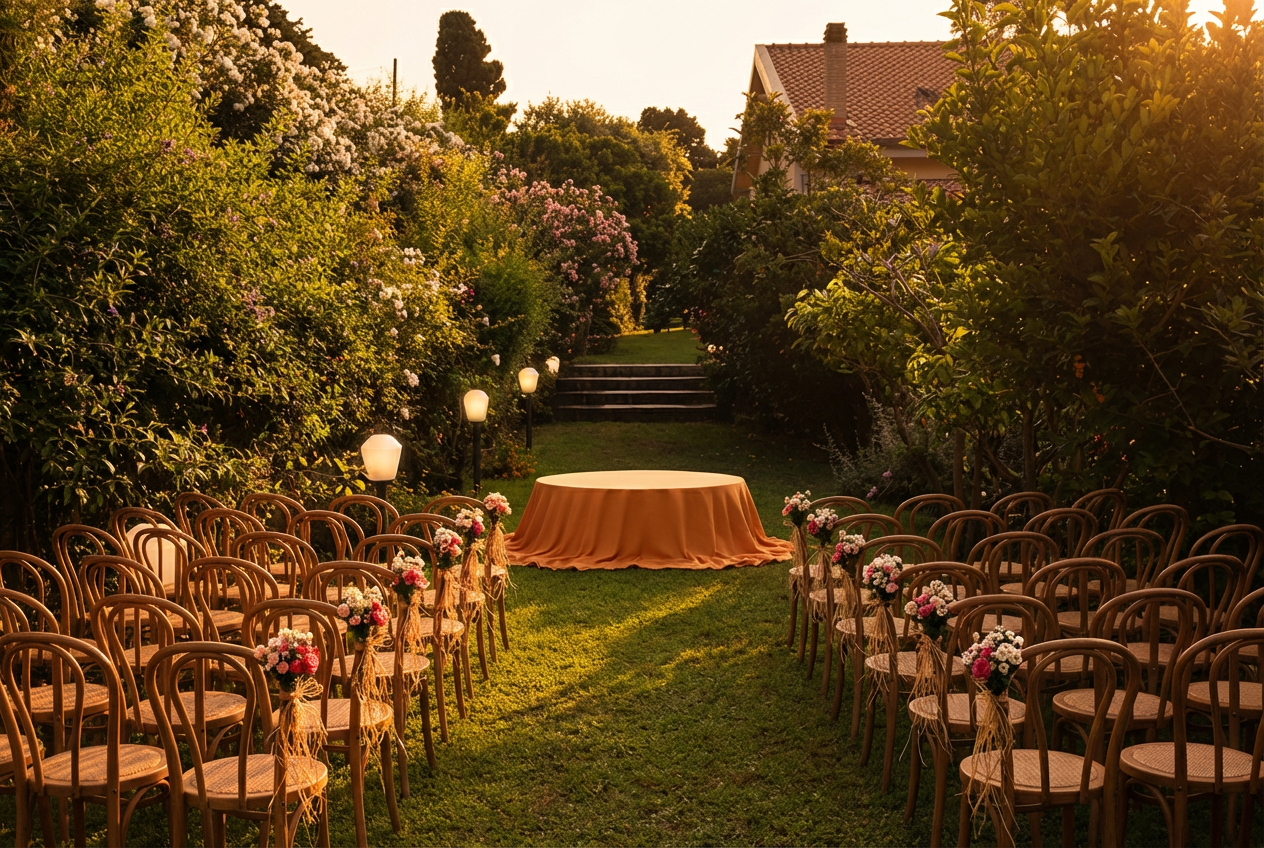 After
AfterFrequently asked questions
Do I need to upload professional photos?
How does the visualizer actually work?
What kind of elements can I add?
Can I edit a generated image?
How many AI generations are included?
Who owns the generated images?
Picture your venue, then plan the rest
Create a free workspace to start building your venue library, and generate your first AI concept whenever you are ready.